TikTok Live Views: How to Get More From Minute One
You get more TikTok live views with three things: preparation before you start, a clear script for the first ten minutes, and simple questions that keep people watching. Live view services may make a stream look busier while it runs, but they do not guarantee engagement or reach. Requirements change, so check TikTok's official help pages.
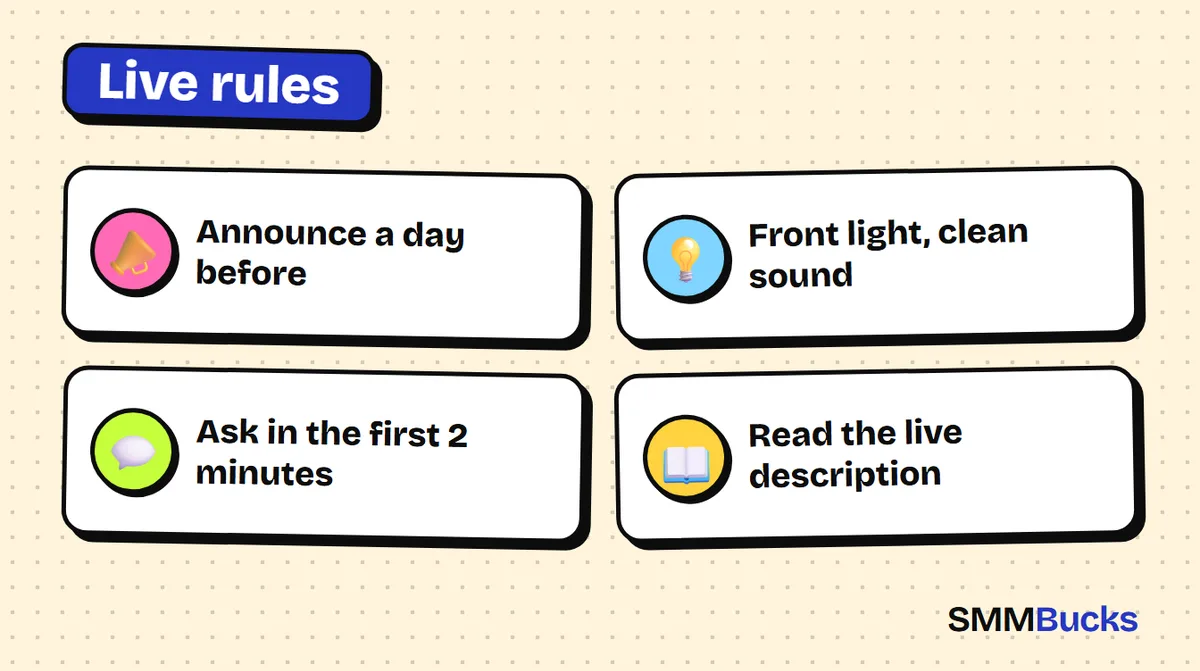
- Announce a day before
- Front light, clean sound
- Ask in the first 2 minutes
- Read the live description
Imagine you spend a whole day preparing, tap Go LIVE, and two minutes later you see your own name and three viewers leaving one by one. It happens to most people who start, usually because the stream began with no preparation and no plan for the first minutes. This guide shows you how to raise your TikTok live views with practical steps: how to prepare, what to say minute by minute, how to keep people watching, and when live view services help or are simply not needed.
How to go live on TikTok: what are the requirements?
To go live on TikTok you usually need an account that follows the community guidelines, a minimum age set by the platform, and a minimum number of followers. These rules are not fixed and differ between countries, so trust what your own account shows you.
Published guides commonly mention about 1,000 followers, a minimum age of 16 or 18 depending on the country, and a higher age for receiving gifts. I could not confirm these numbers on an official page, so treat them as a rough indication. The same goes for searches like how to go live on TikTok without 1000 followers: whether the option appears depends on your account and region.
How to check for yourself:
- Tap the create button (+) in the app and look for a LIVE option at the bottom.
- If it is missing, open TikTok's official Help Center and read the community guidelines for LIVE.
- Make sure your account is free of violations, since accounts with strikes can lose the feature.
- Update the app and try again, because some features roll out gradually.
Warning: Platform rules change by country and over time. Rely on the help page inside the app, not on any number you read here or in another article.
What decides your TikTok live views in the first place?
A live stream shows itself to people while it happens, so the decision is made in minutes, not days. TikTok does not publish the weight of each signal, but the logic is easy to follow: the longer people stay and react, the more worth showing the stream appears to be.
Weak live numbers usually come from three causes:
- Fast exits: a visitor cannot tell within seconds what is happening or why they should stay.
- Silence: nobody talks to them, so it feels like watching an empty screen.
- No regular audience: you did not announce the stream, so nobody walks in during the first minute.
What should you prepare before you go live?
Good preparation removes half of the problems. Half an hour before you start, run through this checklist.
- A clear title: a short line that promises a benefit, like "I answer your questions about shooting with a phone" instead of "New live".
- One topic: a visitor should understand within three seconds why they are there.
- Front lighting: put the light in front of you, not behind, even if it is only a window or a desk lamp.
- Clean sound: a headset with a mic beats a phone mic in an echoey room. Test it with a ten-second recording.
- An announcement: post a short video or story with the time and topic, and use LIVE scheduling if it appears in your account.
- A question sheet: three questions ready for when engagement dips.
Tip: Announcing a day ahead and again an hour before builds the audience for minute one, and minute one decides whether the stream looks alive or dead.
What do you say in the first 10 minutes, minute by minute?
The first ten minutes matter most in any stream. Here is a script you can copy and adapt to your topic, and follow word for word if you are nervous.
- Minute 0 to 1: say who you are and what will happen: "Hi, I'm Sam, and in this live we'll test three ways to photograph products with a phone."
- Minute 1 to 2: ask for one easy action: "Type which country you're watching from."
- Minute 2 to 4: read the names of people who commented and answer them by name. People stay when they hear their name.
- Minute 4 to 6: start the first part of the topic and say what is coming: "In a few minutes I'll show you the mistake that ruins most photos."
- Minute 6 to 10: run a poll or a two-option question and say you will act on the result.
The most important rule: never leave more than five seconds of silence. If you run out of ideas, read a comment or repeat the welcome.
How do you keep viewers watching and get more TikTok live views?
To make your TikTok live get more views you do not only need people to enter, you need them to stay. The best way is to make them feel part of the stream, not just spectators.
- Short-answer questions: "What's your favorite color?" is easier to answer than "What do you think about this topic?"
- Greeting by name: say "Hi Ahmed" and carry on. Everyone else hopes to be mentioned next.
- Small, chained promises: "In five minutes I'll reveal the second method" gives people a reason to stay.
- A clear ending: announce the next stream two minutes before you finish.
To bring in viewers from your videos, also read our TikTok likes and views guide.
How do TikTok live views and comments services work in general?
Live services are orders that add viewers or comments to a stream that is running right now, and they are delivered only while the stream stays on. If the stream ends before the order completes, delivery may stop there, so they differ from ordinary video services.
If you are weighing TikTok live views buy options, here is what to know before ordering:
- Read the service description: it states how long viewers stay, which link format is required, and whether the service is regular or targeted.
- The stream must be running: paste the live link shown when you start, not your profile link, unless the description says otherwise.
- Follow your order history: it shows the status and how much was delivered.
At SMMBucks, TikTok live and comments services start from $0.36 per 1000, and orders start automatically after payment. You never need your password, only the public link. Details are on the TikTok services page.
Warning: These are numbers and comments that appear in the stream according to the service description. They are not genuine fans who chose to engage, and they do not replace content worth staying for. For the difference between types, read real vs fake followers.
How much do TikTok live views cost? A hypothetical calculation
The cost is simple: the price per 1000 divided by 1,000, then multiplied by your quantity. Do not rely on price alone, because duration, link format and service type matter more than a difference of one cent.
Hypothetical example, assuming a service costs $0.36 per 1000:
- 500 units cost about $0.18.
- 2,000 units cost about $0.72.
- 5,000 units cost about $1.80.
These are illustrations only. The real price depends on the service you choose. Check the services list and open each description.
How do you use TikTok live comments without the stream feeling fake?
The best use of comments is to complement what you say, not to replace it. Comments unrelated to your talk push away genuine viewers more than they attract them.
- Let your talk react to them: read a general comment, respond naturally, then return to your topic.
- Keep the quantity low: a few fit better than a sudden flood that does not match your viewer count.
Hypothetical examples of short comments that may fit, if the description allows it: "Great topic", "Keep going", "What's the name of that tool?" Short questions give you something to answer, but never present them as comments from genuine viewers. Always answer the genuine comments first, since they build an audience that returns.
Which mistakes waste your live views?
These mistakes repeat among most people who start streaming, and avoiding them is easier than fixing their effects later.
- Starting without an announcement: nobody walks in during the first minute.
- Delaying the topic: spending ten minutes waiting for people to gather. Start with the content immediately.
- Ignoring who leaves: after each stream, check its analytics and see at which minute the count dropped.
- Ordering without reading the description: a wrong link, or ordering after the stream has ended.
- Expecting miracles: no service guarantees engagement, reach or gift eligibility.
If your account is new, start with the 30-day plan for a new account before your first stream.
When don't you need live view services?
You do not need them if your stream is not ready, if you already have an audience that shows up regularly, or if your only goal is to show off a number. Number services do not fix weak content, and they do not guarantee that a count turns into engagement or sales.
TikTok has policies about artificial engagement, so read them and decide responsibly. For a wider picture, read is buying followers safe?
This week's plan for anyone who wants to start:
- Day 1: check that the LIVE option appears in your account.
- Day 2: write the topic, the title and three ready questions.
- Day 3: post an announcement with the stream time.
- Day 4: go live for 20 to 30 minutes and follow the first-ten-minutes script.
- Day 5: adjust the plan and announce the next stream.
If your stream is ready and could use a supporting push, look at the SMMBucks live options and read each description first. For the right link format, see our guide to copying a profile or post link.
Frequently asked questions
How many followers do you need to go live on TikTok?
Published guides often mention about 1,000 followers, but the requirement varies by country, time and account status, and I could not confirm it on an official page. The fastest check is to tap the create button and see whether LIVE appears, then read TikTok's Help Center. Reaching a number does not guarantee access.
What age do you need to be to go live on TikTok?
It depends on the country. Some guides say 16 and others say 18, and receiving gifts often requires a higher age. Because rules change, check the official help page inside the app before relying on any number. If you are under the minimum age, ask a parent or guardian to review the settings with you.
How can you get more TikTok live views naturally?
Announce the stream before it starts, open with one sentence explaining the topic, ask a simple question in the first two minutes and answer commenters by name. Keep the stream short and focused, then review its analytics to see when people left. No method guarantees a specific number.
Do live view services work after the stream ends?
No. They are designed for a stream that is running right now, so paste the live link while it is on and read the service description for the duration and link format. Do not order after the stream has ended, and follow the order status in your order history.
Are bought TikTok live viewers and comments genuine fans?
No, you should not describe them that way. These services add numbers and comments according to the service description. They do not mean someone is watching by choice or will buy from you. Read the description, decide whether it fits your goal, and never treat it as a substitute for good content.
How much do TikTok live comments cost?
At SMMBucks, TikTok live and comments services start from $0.36 per 1000. The actual price depends on the service you choose, so open the services list, read the description and test a small quantity first. Orders start automatically after payment and never need a password.
Stream ready? Back it wisely
See the TikTok services at SMMBucks and read each service description before ordering, so you know the duration and the right link format.
TikTok services