Order Status Meaning: Pending, In Progress, Partial Explained
Your order history shows a status beside every order. Pending means the order is being passed to the server, In progress means it is delivering, Completed means it finished, and Partial means part was delivered and the undelivered part was refunded to your balance. Check the service description and start time before worrying, and never place a second order on the same link until the first one ends.
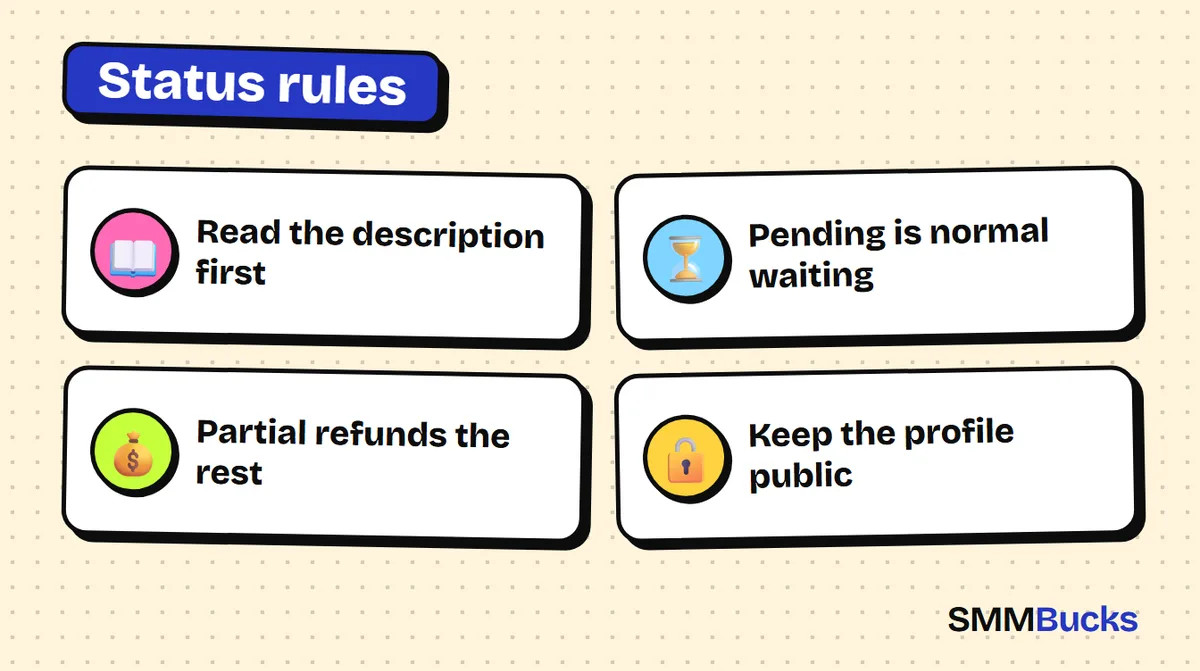
- Read the description first
- Pending is normal waiting
- Partial refunds the rest
- Keep the profile public
You submit an order, open your order history, and see a word next to it: Pending, Processing, Partial. Is that good? Is something wrong? Should you wait or act? Most of the worry at this moment comes from not knowing the order status meaning, not from a real problem. This guide explains each status as the public SMMBucks FAQ and terms describe it, what to do in each case, which mistakes cause delays, and a two-minute daily routine for checking your orders calmly.
What are the main order status types and what do you check first?
Your order history lists every order you have placed, with its current status beside it. The main order status types are Pending, Processing, In progress, Completed, Partial, Canceled and Refilling. This page, not guesswork, is your source of truth.
For any order, read in this sequence:
- Status: how far has the order got?
- Link or username: is it exactly what you meant to enter?
- Quantity and charge: do they match what you typed?
- Service description: what start time and approximate speed does it state?
The fourth step matters most. The FAQ says every service has its own specifications, including quality, start time and minimum and maximum amounts, and that all times are approximate. Open the description before judging any status.
Tip: For an important order, screenshot the service description before you submit.
Order status meaning: what does Pending mean in your order history?
Pending means your order is currently being redirected to the server. According to the FAQ, this happens during the start time stated in the service description, so it is a normal waiting state at the start of an order, not a fault.
- Read the start time in the service description and compare it with the time since you submitted.
- Make sure the profile is still public, since it must be public when the order starts.
- Do not place a second order on the same link to speed things up.
Stated times are approximate, and the terms say the start time can change or be delayed depending on system load. If far more time has passed than the description says, use the checklist near the end of this guide.
What is the difference between Processing and In progress?
The FAQ describes Processing as the server currently processing your order, and In progress as the order running and delivering. In plain words: Processing is preparation, and In progress is actual delivery.
The public text does not say how long each stage lasts, so rely on the approximate speed in the service description. While an order is In progress, watching beats interfering:
- Check the account or post from a logged-out browser to see the number people see.
- Platforms do not update numbers instantly. For YouTube, the FAQ notes the counter can lag by 6 to 12 hours, so check the platform's real-time statistics.
- Do not change your username or make the profile private mid-order.
Does Completed mean everything went fine?
Completed means, per the FAQ, that your order is fully completed. It describes the delivery state. It does not guarantee what happens afterwards on the platform.
- Numbers can drop: the terms say the panel does not promise non-drop on all orders and is responsible for loading the ordered quantity, apart from services whose description says otherwise. If a Refill button appears beside your order, you may use it when needed.
- Engagement is not promised: the terms say new followers are not guaranteed to interact with you.
- Private profiles: the terms say a Completed order placed on a private profile cannot be refunded.
In practice, compare the count before and after in the platform's own statistics and keep a dated screenshot. For drops, read the guide to dropped followers and the Refill button.
What is the order status Partial meaning and how is the refund calculated?
The order status Partial meaning is simple: the order stopped after part of it was delivered, and the money for the undelivered part was refunded to your balance. You only pay for what arrived. The FAQ example, restated:
Example: you order 1000 and pay $10. 700 are delivered and 300 cannot be. The status becomes Partial and $3 for the remaining 300 returns to your balance.
The rule: refund = (undelivered quantity / total quantity) x order charge. Here, (300 / 1000) x 10 = 3.
- Check your balance and confirm the returned amount matches the calculation.
- If you want the rest, you can place a new order for the remaining quantity, as the FAQ says.
- Before repeating, check the link, that the profile is public, and whether this is the right service.
Partial is not a penalty. In the public text it is how the system protects your balance when the full quantity cannot be delivered.
When does Canceled appear and do you get your money back?
Canceled means the order was stopped and the money for it was refunded to your balance. Unlike Partial, the whole order is refunded.
The FAQ names one case: an invalid link, such as a YouTube link in an Instagram service, can be canceled and refunded. If the link is valid, the order cannot be stopped once entered, even if you mistyped the username or changed your mind.
So check the link twice before submitting. If unsure, read how to copy a profile or post link correctly.
The terms also say balance added to the system is not refunded in cash and is used on SMMBucks orders, so refunds in Canceled and Partial go back to your account balance.
What does Refilling mean and where is the Refill button?
Refilling means your order is being topped up on the server after a drop was found. Per the FAQ: open your order history, select the order that dropped, and press the Refill button beside it, if the service has Refill enabled.
An automatic check follows. If a drop is found, the order is sent to the server and the status changes to Refilling; it begins after some time. If you do not see the button, read the service description to learn whether refill is included.
- Changing your username cancels any refill, according to the FAQ.
- If the check finds no drop but you believe there is one, compare your dated screenshots with the current numbers.
For terms like drop, refill and start, see the SMM panel glossary.
Which mistakes make an order stall or become impossible to refund?
Most order problems come from mistakes before submitting. This list is built from the FAQ and terms:
- Private profile: it must be public when the order starts, and a Completed order on a private profile is not refunded.
- Duplicate order on the same link: the terms say it can produce an error and burn your balance, and the FAQ says it can cause delays. Wait for the first order to finish.
- Changing the username mid-order: it changes the link and cancels any refill.
- Hiding or deleting the post: the terms ask you not to change or hide the account or post ID before completion.
- Quantity with separators: write 1000, not 1,000.
Warning: The terms warn against ordering for brand-new accounts or ones with copyright-infringing content, citing account closure risk, and say the panel does not accept responsibility for it. Read each platform's policies and decide responsibly.
With several links, read how to send 20 links in one go safely.
How can you check your order history daily in two minutes?
A short daily check gives more peace of mind than refreshing the page every ten minutes. Five steps:
- Open your order history and look only at the latest orders.
- Group each order: waiting (Pending, Processing), delivering (In progress), finished (Completed), partial or canceled, or compensating (Refilling).
- For each waiting order, compare elapsed time with the start time in the description.
- For each Partial or Canceled, confirm the refund reached your balance.
- For each Completed, compare the real platform number with your pre-order screenshot.
Checklist when an order is slow
- Is the link correct and in the format shown in the description?
- Has the stated start time really passed?
- Is the profile or channel public?
- For video, is an age or country restriction on? The FAQ says restrictions can prevent delivery.
- Did you place more than one order on the same link?
Do you actually need a growth service, and what should you do this week?
You do not need these services if your account is new with no content, or if you expect numbers alone to create sales or engagement. No service guarantees 100% results, and platform policies address artificial engagement, so read each platform's official help pages and decide responsibly.
If you test, start small. SMMBucks prices start from about $0.42 per 1000 for Instagram followers and $0.03 per 1000 for Instagram likes; see the Instagram followers page and read the description first. These are starting prices and vary by service.
A 7-day plan to master your order history
- Day 1: read the order statuses section of the FAQ page.
- Day 2: place one small order on a public profile after screenshotting the numbers.
- Day 3: note when Pending turns into In progress.
- Day 4: compare those times with the description.
- Day 5: check your balance and test the refund rule on any partial order.
- Day 6: decide whether the service suits you before ordering more.
Unsure about ordering without a password? Read why a username is enough, or browse the services page.
Frequently asked questions
What does Pending mean in my order history?
According to the FAQ, Pending means your order is being redirected to the server, which happens during the start time stated in the service description. It is a normal waiting state. Compare the elapsed time with the written start time, and do not place a second order on the same link while waiting.
What is the difference between In progress and Processing?
Processing means the server is currently processing your order, while In progress means the order is running and delivering. The first is preparation, the second is delivery. The public text does not state how long each takes, so use the approximate speed in the service description.
What does order status Partial mean and what should I do?
Partial means the order stopped after part of it was delivered, and the money for the undelivered part was refunded to your balance. Check it by dividing the undelivered quantity by the total and multiplying by the charge. To get the rest, place a new order after confirming the link and that the profile is public.
Can I cancel an order after submitting it?
The FAQ says an order with a valid link cannot be stopped once entered. An order with an invalid link, such as one from the wrong platform, can be canceled and refunded. Double-check the link and username before pressing Submit.
Why does my order say Completed when the count has not changed?
The platform may be slow to update. The FAQ notes a YouTube counter can lag by 6 to 12 hours, so check real-time statistics. Also confirm the link was correct and the profile was public at the start. For private profiles, the terms say a Completed order is not refunded.
Should I place two orders on the same link at once?
It is not advisable. The FAQ says repeating the link before the first order completes can cause delays, and the terms say the system can return an error and burn your balance. Wait for Completed before placing the next order.
Where is the Refill button and does every order have it?
It appears beside the order in your order history when the service supports it. Not every service does, so read the description before buying. After you press it, an automatic check runs, and if a drop is found the status changes to Refilling.
Place a small order and watch it
Create your SMMBucks account, start with one small order on a public profile, then read its status in your order history using the steps above.
Create your account