Instagram Business Profile for Stores: Bio and Highlights
A good Instagram business profile answers four questions within seconds: what you sell, who it is for, why to trust you, and how to order. Use a professional account, a searchable display name, a four-line bio, one working link, highlights ordered like the buying journey, and three pinned proof posts. Nothing guarantees sales, but clarity makes a visitor more likely to message you.
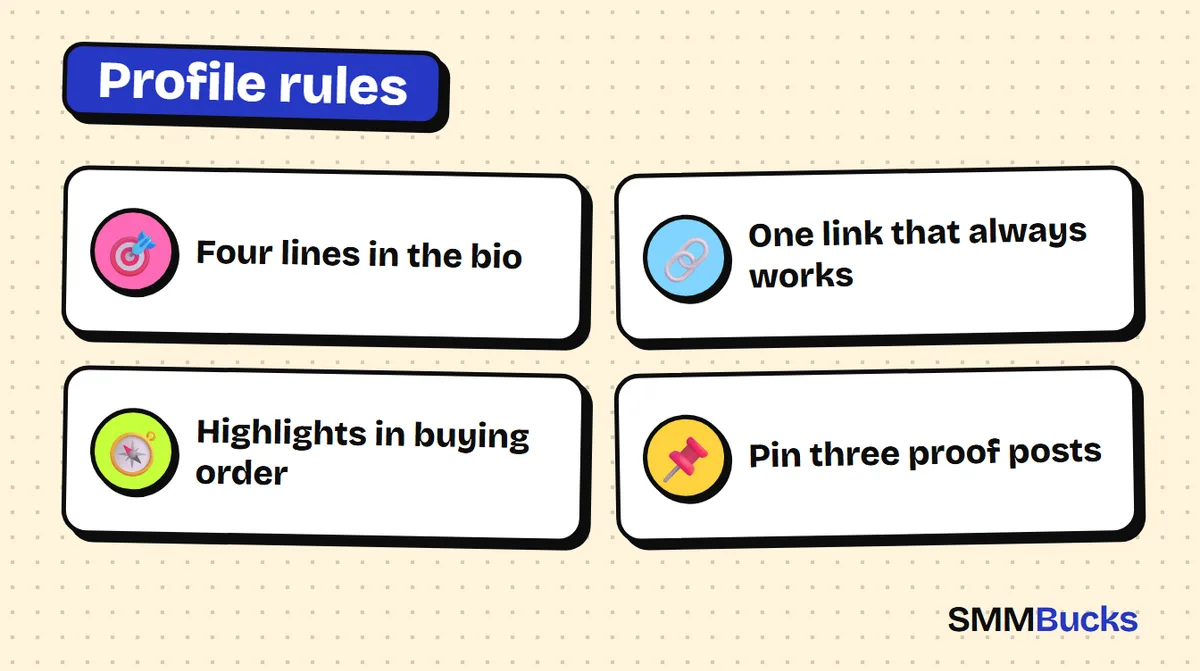
- Four lines in the bio
- One link that always works
- Highlights in buying order
- Pin three proof posts
Picture a shopper who taps through from one of your posts, lands on your Instagram business profile and cannot tell in five seconds what you sell or how to order. She leaves without a message or a follow. The product is usually fine; the problem is a small storefront made of a name, a few bio lines, a link and some highlight circles. This guide builds that storefront piece by piece, with copy-paste bio templates, a highlight order, a checklist and a 7, 14 and 30 day plan.
What must an Instagram business profile answer in five seconds?
An Instagram business profile is the main page a visitor sees before deciding to buy or leave, and it should answer four questions fast: what do you sell, who is it for, why should I trust you, and how do I order? Every element should serve one of these questions. If it does not, cut it.
- What do you sell? The display name and the first bio line.
- Who is it for? The second line, such as a city or a type of customer.
- Why trust you? The proof line, pinned posts and a reviews highlight.
- How do I order? The call to action, the link and the contact buttons.
Test it: hand your phone to a stranger and ask, after five seconds, what you sell and how they would order. If they hesitate, fix the profile before spending on ads. For more on trust, read our guide to social proof for stores.
How do you switch to a professional account and pick a store name?
You switch from the account settings, in the section for account type and tools, by choosing a professional account and then selecting a category and either business or creator. This unlocks contact buttons and insights.
Two points to know before you switch. Instagram's help pages say a private account may become public when it moves to a professional account.
Name rules for a store
- Keep the username short and easy to type, with no random numbers.
- Put your keyword in the display name, not only the username. Instagram search generally leans on the name field, so write something like "Store Name | Abayas" or "Store Name | Gifts".
Warning: If you are running a growth order of any kind, do not change your username until it finishes. The SMMBucks FAQ says a username change during an order can interfere with delivery and refill.
How do you write an Instagram bio for business (copy and paste templates)?
A strong instagram bio for business has four lines in this order: what you sell, who or where, one small proof, and one action. The character limit is short (commonly cited as 150), and the edit screen shows the live counter, so trust that over any article because limits can change.
The base formula:
- Line 1: what you sell in the customer's words. "Everyday abayas for work" beats "luxury modest fashion".
- Line 2: who you serve and where.
- Line 3: a proof you can really back up, such as "Designed and sewn in our own studio" or "Exchange policy in Highlights".
- Line 4: a clear action. "Order via DM" or "Catalogue in the link".
Three instagram bio for business copy and paste templates
Tip: These are examples. Replace every detail with facts about your own store and never paste a claim you cannot honour.
- Clothing store: Comfortable everyday abayas / Delivery across the Kingdom / Sizes S to 4XL / Order via DM
For more instagram business account bio ideas, vary line 3 by niche: a handmade store can name its materials, a service can name its booking hours. Skip decorative fonts; some render badly on certain devices.
Where should the link and contact buttons go so ordering is easy?
Put your order link in the profile's link field, not inside the bio text, because links typed into the bio are usually not clickable. Call and message buttons come from the professional account's contact details in your profile settings, so fill those in as well.
Instagram may allow more than one link, but this can vary by account and app version, so check your edit-profile screen. Make the first link the most important one.
What should the link open?
- With an online store, link straight to the catalogue page.
- If orders happen in chat, link to a WhatsApp or Telegram conversation with a ready message such as "I want to order".
- If the link is an affiliate link, tell your audience it pays you and read the platform's rules on affiliate links.
For instagram store bio ideas, treat the last bio line and the link as one flow: the line says what to do, the link is where they do it.
What are the best Instagram highlights ideas for a store, and in what order?
The best order for store highlights follows the buying journey: products first, then how to order, then delivery and exchanges, then customer reviews, then behind the scenes. Each circle should answer one buyer question.
A five-circle layout:
- Products: your best sellers with clear photos and a price, or "ask for price" when it varies.
- How to order: three or four stories: choose the item, send this message, confirm the address, pay by the method you offer.
- Delivery and returns: a delivery window you really keep and your exchange policy in one short sentence.
- Reviews: screenshots of real messages that customers allowed you to share, with names and numbers hidden. If you have none yet, do not invent any. Create this circle when the first real message arrives.
- Behind the scenes: packing and preparing orders, which builds trust through pictures.
Adding a story to a highlight may change the order inside it, so review it after every addition. For ways to keep stories interesting, see our list of Instagram story engagement ideas.
How do you design an Instagram highlights cover and icons without fuss?
The simplest instagram highlights cover wins: one clear symbol on one brand colour, with a one or two word name. You upload it from your gallery when you create or edit the highlight.
Design each cover on a square canvas, centre the symbol and leave a margin, because the circle crop cuts the corners.
Rules for instagram highlights icons
- Keep symbol size, line thickness and background identical across all circles.
- Choose icons people understand without a label: a basket for products, a van for delivery, a star for reviews, a checkmark for how to order.
- Use short names like "Order" and "Reviews"; long ones get cut off.
Which posts should you pin to the top of your business profile?
Pin three posts that answer three questions: what do you sell, why should I trust you, and how do I order? When Instagram launched pinning in 2022 it was announced as up to three posts or Reels at the top of the grid. Check your own app for the current limit. You pin from the three-dot menu on a post.
A simple set of three:
- Pin one: a short Reel showing your best products in about ten seconds, ending with one sentence about the benefit.
- Pin two: a proof post, such as the stages of preparing an order or a customer's experience shared with permission.
- Pin three: a "how to order" carousel.
Swap them monthly. To improve what happens under those posts, see our guide to strong Instagram comment templates helps.
What mistakes hurt an Instagram business profile, and how do you audit it?
The most common mistake is vagueness: a bio that never names the product, a broken link, highlights in no order, and no obvious way to buy. Fix it with a short audit you can repeat monthly from your phone, using the steps below.
Six step profile audit
- Open your account from a different personal account as if you were a new visitor.
- Read the name and bio and ask: do I know what is sold?
- Tap the link and confirm it opens the right page.
- Open every highlight and confirm it is current.
- Send a test message to your business account and time how long you take to answer.
Mistakes that kill orders
- A link that opens a site that works badly on mobile.
Warning: Do not post invented reviews or numbers. Customers notice, and it may break platform rules and consumer rules where you operate.
Do you need to buy followers for your business profile, and when do you not need it?
No. Buying followers is not required for a good Instagram business profile, and it cannot repair a vague bio or a weak product. Fix the profile first, then decide whether a small test makes sense.
You probably do not need a growth service while your order link is broken or you cannot reply to messages promptly.
If you choose to test after fixing everything, be careful. SMMBucks lists Instagram followers from about $0.42 per 1000 and likes from about $0.03 per 1000. Prices change, so read each service description before ordering. Orders need only your public link with no password, and the account must be public when the order starts. No service guarantees 100% results, and platform policies cover artificial engagement, so read them and decide responsibly. More detail is in the Instagram followers guide and on the Instagram followers page.
7, 14 and 30 day plan
- Days 1 to 7: switch to a professional account, set the name, bio and link, and create the "Products" and "How to order" highlights.
- Days 8 to 14: add delivery and returns, pin three posts, match covers.
- Days 15 to 30: collect real reviews with permission and check insights to see which posts bring messages.
Each week, track incoming messages, change one element and see if the number moves.
Frequently asked questions
How do I create an Instagram business profile?
Open settings, find the account type and tools section, and choose to switch to a professional account. Pick a category, choose business or creator, and add contact details if you want buttons on your profile. A private account may become public after switching, and menu names can vary between app versions, so check Instagram's help pages.
What is the best Instagram bio for business to copy and paste?
No single bio fits everyone, but the winning structure is four lines: what you sell, who and where, one real proof, and one action. Copy a template from this guide and swap in your own details. Avoid claims you cannot honour, and rely on the live counter in the edit screen because character limits can change.
How should I order my Instagram highlights?
Follow the buying journey: products, how to order, delivery and returns, real reviews, then behind the scenes. Review a highlight after each addition, since new stories can change the order inside it, and keep names short.
How many posts can I pin on Instagram?
Instagram announced pinning in 2022 as up to three posts or Reels at the top of your grid, done from the three-dot menu on a post. Limits and menus can change, so check what your app shows and read Instagram's help pages. Pin one product post, one proof post and one how-to-order post.
What are the best Instagram highlights icons for a store?
Simple symbols in one or two brand colours work best: a basket for products, a van for delivery, a star for reviews and a checkmark for ordering. Keep symbol size and line thickness identical across covers, centre the symbol with a margin because the circle crops the corners, and use short names.
Does buying followers replace a good store profile?
No. More followers will not fix an unclear bio, a broken link or unclear products, and they may bring visitors who do not buy. Improve the profile first. If you still want to test, start small, read the service description and platform policies, and remember that no provider guarantees results.
Fix the storefront first
Once your profile is clear, you can test a small batch if you choose. See the Instagram services and prices at SMMBucks and read each service description before ordering.
See Instagram services