Best Instagram Comments: Templates That Start a Conversation
The strongest Instagram comments are the ones that invite a specific answer, not a compliment. Put one clear question at the end of your caption, pin a comment that steers the discussion, and reply with the commenter's name plus a new question. Use hidden-words filters to control what shows. Nothing guarantees results, but these templates make real replies more likely.
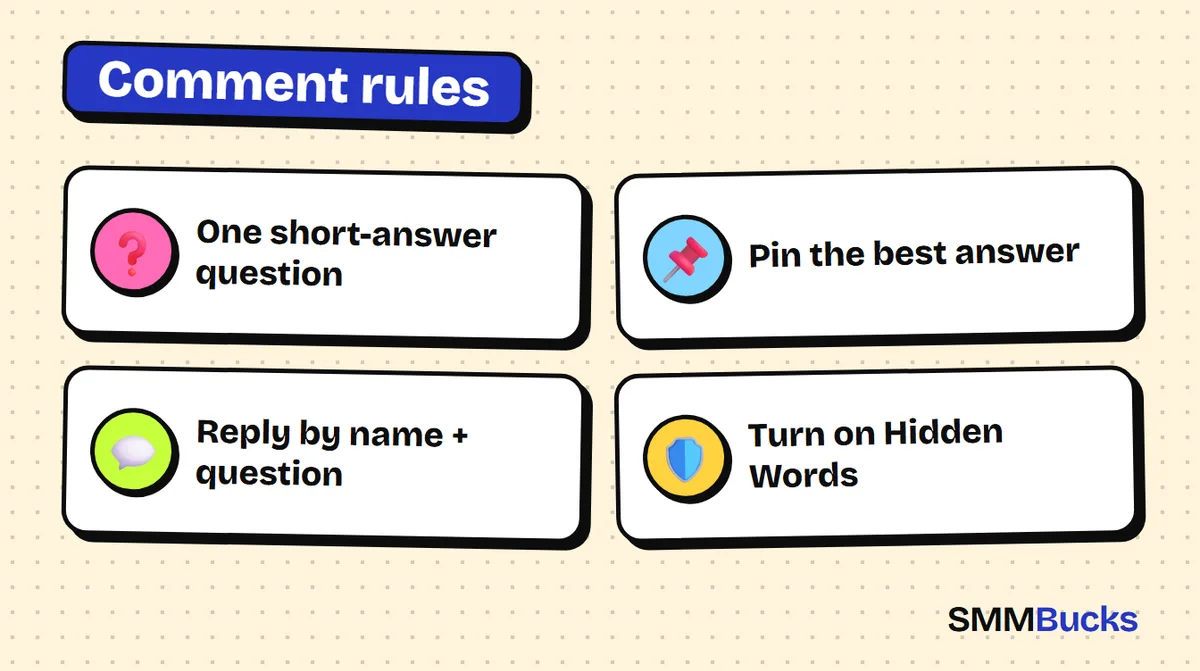
- One short-answer question
- Pin the best answer
- Reply by name + question
- Turn on Hidden Words
You publish a solid post, plenty of people see it, and underneath you find three comments: "nice", "love it" and a heart. The audience is not the problem. The post never asked a question worth answering. This guide gives you copy-ready Instagram comments templates for your own posts and replies, from the caption question to the pinned comment to handling criticism, plus a clear look at deleting, hiding and blocking, and a 7-day plan you can start today with no extra tools.
What makes the best Instagram comments start a conversation?
The best Instagram comments push another person to type: a question with a short answer, a choice between two things, or an experience the reader can compare with their own. Strength is not measured by length but by how many replies a comment generates underneath it.
You control three kinds of comments, and each has templates below:
- The post question: the last line of your caption that asks for an answer.
- The pinned comment: a comment shown first that steers how people read the thread.
- Your replies: the thing that turns one comment into a four-comment exchange.
A lone compliment builds nothing; a question gives others a reason to join. Instagram does not publish a ranking recipe, so no result is promised, but a real discussion at least tells you about your audience.
Tip: Ask yourself: can a reader answer in seconds while scrolling? If not, simplify the question.
How do you write a post question that gets replies? 8 Instagram comments templates
Put one question at the end of the caption with a short, specific answer: a word, a number or a choice. A vague "what do you think?" gets the least.
Swap the words in brackets. These also work as Instagram comments ideas for any niche:
- Either/or: "(A) or (B)? Reply with one letter and I will share the result tomorrow."
- The number: "From 1 to 10, how would you rate (topic) in your life right now?"
- The experience: "What is the worst mistake you made with (topic)? I will start with mine below."
- Finish the sentence: "The thing that annoys me most about (topic) is ..."
- The small challenge: "Write your goal for this week in one sentence. I will check back in seven days."
- The friendly disagreement: "Unpopular opinion: (your opinion). Do you disagree?"
The last one often sparks the most discussion . Keep the disagreement about taste or method, not religion or politics, and read Instagram's community guidelines.
How do you use a pinned comment on Instagram to steer the discussion?
A pinned comment on Instagram (the pinned comment Instagram shows first) is a comment you lift to the top of the thread so everyone sees it first. Published guides say a post can hold a limited number of pins (commonly reported as up to three) and that the option appears on a long-press or swipe, but menus change, so check Instagram's official help page in your app.
Two practical ways to use it:
- Pin the best answer to your question. When someone writes a great reply, pin it. Others see a model of what you expect.
- Pin the answer to a repeated question. If people keep asking about price or location, pin your reply so the question stops repeating.
Avoid a pinned comment that looks staged; readers spot that quickly.
What is the best way to reply to comments so the conversation continues?
The best reply has three short parts: the commenter's name, a specific note about what they said, and a small question that hands the conversation back. That turns one comment into a dialogue.
The formula: "name + a point from their comment + a question".
- "Ahmed, your idea about (point) is useful. Have you tried it with (another case)?"
If the comment is tiny, such as "nice", answer with a light question: "Glad you liked it. Which part was your favorite?" Do not write only "thanks" and stop, because a thank-you without a question ends the exchange.
Tip: Treat the first hour after posting as reply time. It shows followers that comments get read.
How do you leave good Instagram comments on other people's posts?
Good Instagram comments on someone else's post are short, polite and name one specific detail. Generic, copy-pasted phrases look automated and read as noise.
- Mention a detail. "The blue in the background saved this photo" beats "amazing".
- Keep it short. One sentence, two at most.
- Ask instead of only praising. "Where did you shoot from this angle?"
- Leave links in your bio. A link on someone else's post reads as unwanted promotion.
For a photo post: "The detail I love is the light from the window. Was this shot in the morning?" If you run a shop, see our guide to Instagram bio and highlights for stores.
How should you answer criticism and negative comments without losing your audience?
Reply to polite criticism calmly with a specific answer, and ignore or hide pure abuse. A respectful negative comment shows everyone how you handle disagreement; an insult does not deserve a debate.
A three-step template for polite criticism:
- Acknowledge the valid part: "Fair point about (topic)."
- Explain in one sentence: "The reason is (explanation)."
- Close with thanks: "Thanks for sharing your honest view."
If the comment is just an attack, do not argue in front of followers; use the controls in the next section.
One of the Instagram comments examples worth copying (hypothetical): you post a product photo and someone writes "too expensive". Your reply: "Understandable. The price includes (what it includes). Have you compared it with (similar product)?"
How do you delete, hide or block Instagram comments?
For Instagram comments delete options on your own post, long-press or swipe the comment and choose the delete, report, restrict or block option. Instagram's help pages also describe Hidden Words, which filters offensive comments automatically. Menu locations vary by version, so follow what your app shows.
The main tools, as described on Instagram's help pages:
- Hidden Words: hides comments containing common offensive words, and you can add your own words, phrases, numbers and emojis. Hidden comments can be reviewed later, and the sender is not told.
- Block comments from a person: stops that account commenting on your posts without blocking the account itself, and others cannot see those comments.
- Report: for comments that break the community guidelines.
Do not delete polite criticism; remove abuse and spam, answer the rest.
Is an Instagram comments bot a good idea, and what about buying comments?
An Instagram comments bot is software that posts ready-made comments for you. We would not rely on one. Published guides say Instagram's rules restrict automation that inflates engagement or acts on your behalf, and identical comments across many posts are a known automation signal. Read the community guidelines and spam policies.
A bot also cannot create what these templates are built for: conversation.
If you are weighing whether to buy comments for your posts, that is a personal decision. Read the platform's policies yourself and take responsibility for your choice. We cover it in detail in is buying Instagram comments worth it. No service guarantees a 100% result.
The SMMBucks services page lists Instagram options with a description for each. Read the description before ordering; treat it as an optional extra.
Which comment mistakes kill the discussion?
The most common mistakes are asking several questions in one post, replying days late and answering with only "thanks". Each adds effort for the reader or says nobody reads their comment.
Mistakes we see most often:
- Three questions in one caption: readers answer none of them.
- A closed question: "Did you like it?" ends at yes.
- Replying a week late: it says the comment did not matter.
When you don't need these templates
If your account is new and only a few dozen people see each post, content quality matters more than comment engineering. If your account is personal and you do not want public discussion, turn comments off or limit them. Also read our guide to Instagram Reels engagement to see how comments connect to the rest of your content.
What is a 7-day plan to improve your Instagram comments?
The simplest plan is to test one template a day for a week and note which one drew the most replies. No tools are needed.
- Day 1: add the either/or question (template 1) at the end of the caption.
- Day 2: use finish the sentence (template 4) and reply to everyone with the three-part formula.
- Day 3: try the experience question (template 3).
- Day 4: pin the best answer from the previous days.
- Day 5: switch on Hidden Words with a short list that fits your account.
- Day 6: ask followers what the next post should cover.
- Day 7: review. Which question drew the most comments, and which reply style kept people talking?
Then repeat the winner with a new topic and drop the weakest.
Checklist before every post
- Is there one question with a short answer at the end of the caption?
- Can I reply within the first hour?
- Is my Hidden Words list up to date?
To make stories and posts work together, read our 15 Instagram story engagement ideas. For follower-related options, the Instagram followers page from SMMBucks shows each service and its description; results vary and may not occur.
Frequently asked questions
What are the best Instagram comments to start a discussion?
The best ones carry one specific question that can be answered with a word or a number, such as a choice between two things or a finish-the-sentence prompt. A general "what do you think?" draws fewer replies because readers do not know what to write. Add a single question at the end of the caption and reply to the first comments quickly.
How do I pin a comment on Instagram?
Usually you long-press or swipe the comment and tap the pin icon, and guides mention a cap on pinned comments per post. Steps differ between app versions and devices, so check Instagram's official help page and the options shown in your own app before relying on any walkthrough.
How do I delete Instagram comments I don't want?
Long-press or swipe the comment, then choose delete, report, restrict or block. You can also turn on Hidden Words to filter offensive comments automatically with your own list. A hidden comment can be reviewed later and its author is not notified. Menu positions can change, so follow what the app shows.
Does blocking comments from someone block their account?
No. Blocking comments from a specific person stops their comments on your posts, but it does not block the account, and others cannot see those comments, according to help-style descriptions. For a full block, use the block-account option. Labels may differ in your app, so check the settings yourself.
Is an Instagram comments bot safe to use?
Nobody can promise safety. Published guides say the platform's rules restrict bots that inflate engagement or act for you, and that identical comments are a known automation signal. Read the community guidelines and spam policies before deciding. The safer route is writing comments and replies yourself.
How do I write good Instagram comments on other people's posts?
Mention one specific detail, keep it to a short, polite sentence and end with a small question if it fits. Avoid copied phrases and promotional links. A comment that sounds human and specific leaves a better impression than ten identical ones.
Can buying comments replace these templates?
No. A purchased comment does not create what real discussion creates: replies between people. A service can be an optional choice each person decides after reading the platform's policies, and no service guarantees a 100% result. Start with the templates, then judge what they did after a week.
Try the templates this week
Start with real discussion under your posts. If you want extra support, browse the Instagram services at SMMBucks and read each description before ordering.
Browse services