How to Get More Listeners in Twitter Spaces (X)
To get more listeners in Twitter Spaces (now X Spaces), pick a narrow topic with a clear title, schedule the Space a few days ahead so people can set a reminder, invite a guest who will promote it, post useful tweets before and during the live, and reuse the recording. No tactic guarantees a listener count; results depend on your topic, audience and consistency.
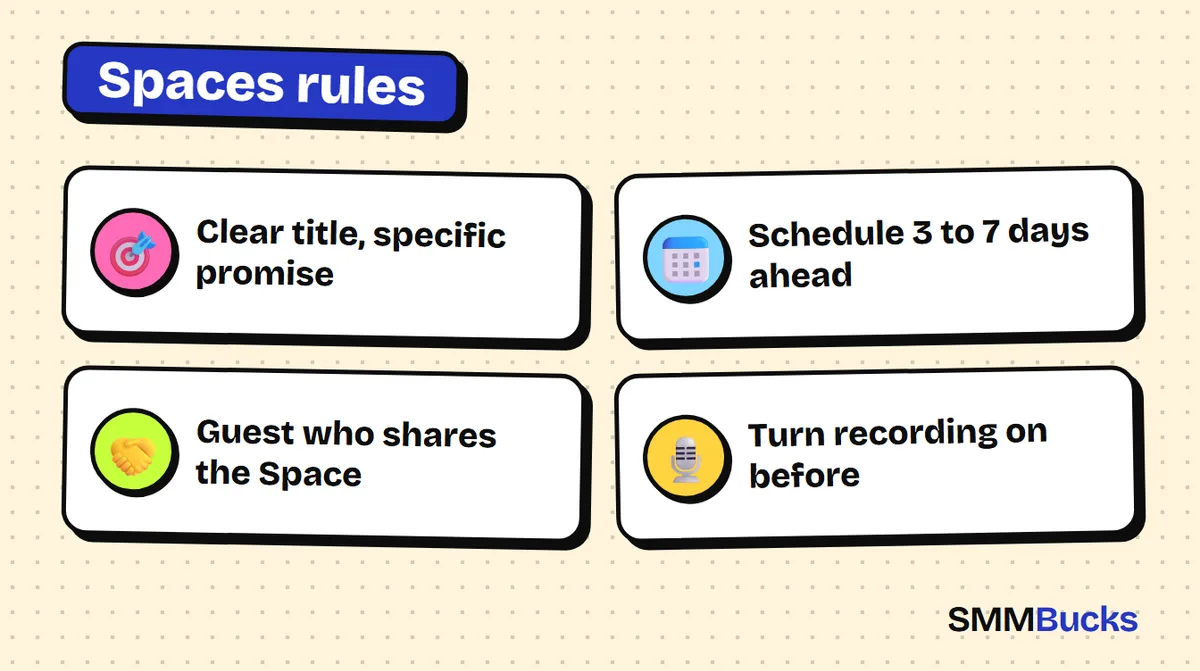
- Clear title, specific promise
- Schedule 3 to 7 days ahead
- Guest who shares the Space
- Turn recording on before
You open a Space on Twitter (X), speak with energy, glance at the counter and see three listeners, two of them friends. The problem is rarely your voice or your topic. It is that nobody knew the Space existed before it started. This guide gives you a practical plan to grow your Twitter Spaces audience: how to pick a title, when to schedule, how to bring in a guest who brings listeners, what to post before, during and after, plus copy-paste templates and a two-week plan you can start today.
What are Twitter Spaces and how do they work?
Twitter Spaces (called X Spaces today) are live audio rooms inside the platform where a host and speakers talk while everyone else listens. According to X's help center, the person who creates the Space is the host, and they can invite listeners to become co-hosts or speakers while the Space is live. Listeners can also request to speak.
The difference from a tweet is that a Space is an event at a set time. Events fill up when people have a reason to attend, a reminder of the time, and others inviting their own followers. Hosting Twitter Spaces gives you a voice and a level of trust a written tweet cannot, with an audience that is usually smaller than a viral tweet's but often more engaged.
Warning: Spaces features and limits change with the app version and account. Check the X help pages "About X Spaces" and "How to host a Space" before relying on a specific number.
How do you pick a topic and title that makes people tap Join?
Choose a narrow topic that promises a specific result in a set time, and write the title as a promise or a question. "General marketing chat" says nothing. "How to write the first 10 tweets for a new store: we answer your questions live" tells the listener exactly what they will walk away with.
Try one of these formats:
- Specific question: "Why is my new account reaching nobody? We review 3 accounts live."
- Review session: "Reply with your profile link and I will give you honest feedback in 20 minutes."
A quick test: if a stranger cannot understand your Space from one sentence, the title is weak. Avoid vague teasers, and do not build the title on gender or looks. Define your audience by a clear interest instead, such as a Space for designers or home-business owners.
When should you schedule a Space, and how do reminders help?
Scheduling beats going live without notice, because it creates a card inside a tweet that people can tap to set a reminder. According to X's help center, hosts can schedule a Space up to 30 days ahead and have up to 10 scheduled Spaces, and as the start time approaches the host gets push and in-app reminders.
Do not schedule a month out, since people forget. Three to seven days after announcing usually works. Open your account analytics, see when your tweets get the most engagement, and test a slot near it.
As the host, start on time; long delays tend to lose early arrivals.
- Open the create-a-Space option in the app and choose the scheduler.
- Choose a date and time that suit your audience.
- Post the Space card in a tweet and pin it to your profile.
How do you choose a guest who actually brings listeners?
A good guest has an audience that cares about your topic and will tell them about the Space; follower count matters less. A small, focused following often brings more fitting listeners than a big name who never mentions it. If you are wondering how to host a space on twitter with a guest, agree on these in one written message:
- The topic and the three main questions.
- That each of you posts the Space card at least twice before it starts.
- That the guest joins five minutes early to test audio.
An invitation template:
Tip: "Hi [Name], I follow what you post about [topic] and I think our audiences overlap. I am hosting a Space on [day] at [time] titled [title], and I would love to have you as my guest for 25 minutes. I will send the questions in advance, post the Space card and tag you. Does the time work for you?"
Leave a few minutes for listeners and invite people who raise a hand to speak. According to X's help center, up to 13 people can speak at once, including the host and two co-hosts, so plan your guest list around that.
How do you promote your Space a week before the live?
Promote it with a small series of tweets that each give away one useful idea from the topic, not a single "join us" post. A tweet that helps makes people want to hear the rest, which is exactly what the Space promises.
A suggested promotion plan:
- 7 days before: post the Space card with a question: "What confuses you most about [topic]? I will answer it live."
- 4 days before: share one tip from the topic and say the rest is in the Space.
- At start: a "we are live" tweet with the card.
Collect questions in advance from your replies, and send the time to any email list or Telegram channel too, so you do not rely on the algorithm alone.
See our Twitter (X) growth guide and these thread templates for the supporting tweets.
What should you do during the Space to keep and attract listeners?
Open fast and state the promise of the Space in the first minute, then recap every few minutes for anyone who just arrived.
A suggested structure for a 30-minute Space:
- Minutes 0-2: welcome people, state the topic, say what the listener will take away.
- Minutes 2-22: the main content with your guest, then questions from replies and listeners.
- Minutes 28-30: ask people to follow and share, and announce the next Space.
While live, tweet the Space card roughly every 10 minutes with different wording, such as a strong quote from the guest.
Ask guests to like and share, directly. People searching twitter spaces live now find Spaces already in progress, but do not depend on luck.
Do Twitter Spaces get recorded, and how do you reuse the recording?
Yes, but only if the host turns recording on. According to X's help center, hosts can choose to record a Space before going live, speakers see a recording indicator when they join, and listeners are not shown in the recording. How long a recording stays available depends on the app version, so check the "How to host a Space" page for the current rule on your account.
That is why twitter spaces recording is a before-you-start decision, not something to remember after thirty minutes of talking. Once you have the recording, reuse it:
- Post three strong sentences as standalone tweets pointing to the recording.
- Make the most repeated question the topic of your next Space.
What mistakes keep your Twitter Spaces listener count low?
The most common mistakes are going live with no announcement, a generic title, a guest who does not share it, and starting late. Avoid this list:
- No promotion: a Space nobody knew about stays empty, however good the content.
- Vague title: a passer-by has no reason to enter.
- No follow-up: people who attended expect a thank-you and the recording link.
Consistency builds an audience: a weekly Space at the same time beats one huge Space.
Can growth services help your Twitter Spaces listeners?
Growth services do not create listeners for your Space, because a listener is a person who showed up at a set time out of interest. SMMBucks does not list a service for Spaces listeners, so do not expect one. Read any similar service description in full and assume nothing beyond what is written.
What can help in general is how your profile looks, since people who tap your Space card will glance at your account. If you want simple support for that, there are Twitter (X) followers from $1.04 per 1000 as shown on the site, and prices can change. No service guarantees 100% results, and platform policies on artificial engagement exist, so read them and decide responsibly. Our guide Is buying followers safe? is worth reading before any order.
Warning: When you don't need this: if your content is untested or you will not post regularly, spend your time on your Spaces first. Numbers do not replace value.
What is a two-week plan for your first successful Space?
This two-week order is one possible plan; adjust it to your audience.
- Day 1: write the topic sentence and three title versions, then pick the clearest.
- Day 3: schedule the Space for a week out, then post and pin its card.
- Day 5: post one tip from the topic with a reminder.
- Day 7: remind people an hour before and post when you start.
- Day 8: post the clips and recording and thank attendees.
- Day 14: announce the next Space at a fixed time.
If your goal is a small store, read the 30-day Twitter plan for small stores to connect Spaces to the rest of your activity. Remember that results depend on your topic, audience and consistency, and may be modest at first, which is normal. If you ever want support for your profile's look, SMMBucks is an optional extra, never part of the plan.
Frequently asked questions
How do I get more listeners in Twitter Spaces?
Choose a narrow topic with a clear title, schedule the Space several days ahead, invite a guest who will promote it, and post useful tweets before and during the live. Then reuse the recording as content. No method guarantees a set number of listeners, since results depend on your audience, consistency and the quality of the discussion, and it may take several Spaces before attendance clearly improves.
Can you schedule a Space on Twitter?
Yes. According to X's help center, hosts can schedule a Space up to 30 days in advance and have up to 10 scheduled Spaces, and interested people can set a reminder from its card. Limits can change with the app version and account, so check the "How to host a Space" page to confirm, rather than relying on numbers from other websites.
How do I host a Space on Twitter?
Open the create option in the app, choose Spaces, write a specific title, and either go live or use the scheduler to pick a date and time. The host joins with the mic off and can invite co-hosts and speakers. Menus change between app versions, so follow X's official "How to host a Space" page for the current steps.
Do Twitter Spaces get recorded?
Only when the host chooses to record. According to X's help center, hosts can record a Space before going live, speakers see a recording indicator on joining, and listeners are not shown in the recording. How long a recording stays available depends on the app version, so check the official help page for what applies to your account.
How do I find Twitter Spaces live now?
You can usually find live Spaces inside the app, and you can open a Space card posted by an account you follow. Where they appear changes with app updates, so if you cannot find them, check the "About X Spaces" page in the help center. To attend a specific Space, find its scheduled card and set a reminder so you do not miss the start.
Can I buy listeners for my Twitter Space?
The SMMBucks catalog has no service called Spaces listeners. If you see something close, read its description carefully, because no provider guarantees a complete result. It is better to build your audience with a regular time and a clear topic, which is what keeps listeners coming back.
Need a stronger-looking profile?
Get your account ready before you send the invites. See the Twitter (X) services at SMMBucks and read each service description carefully before ordering.
Twitter services