Instagram Reels Not Reaching Non Followers? 8 Reasons
Instagram says a new Reel is shown to your followers and to a small group of non-followers it expects will enjoy it, then to larger audiences if it performs well. If your Reels stay with followers, likely causes are a weak opening, reposted clips, guideline issues, an unclear topic, poor formatting or low early engagement. Nothing is guaranteed, so check each cause in your own insights.
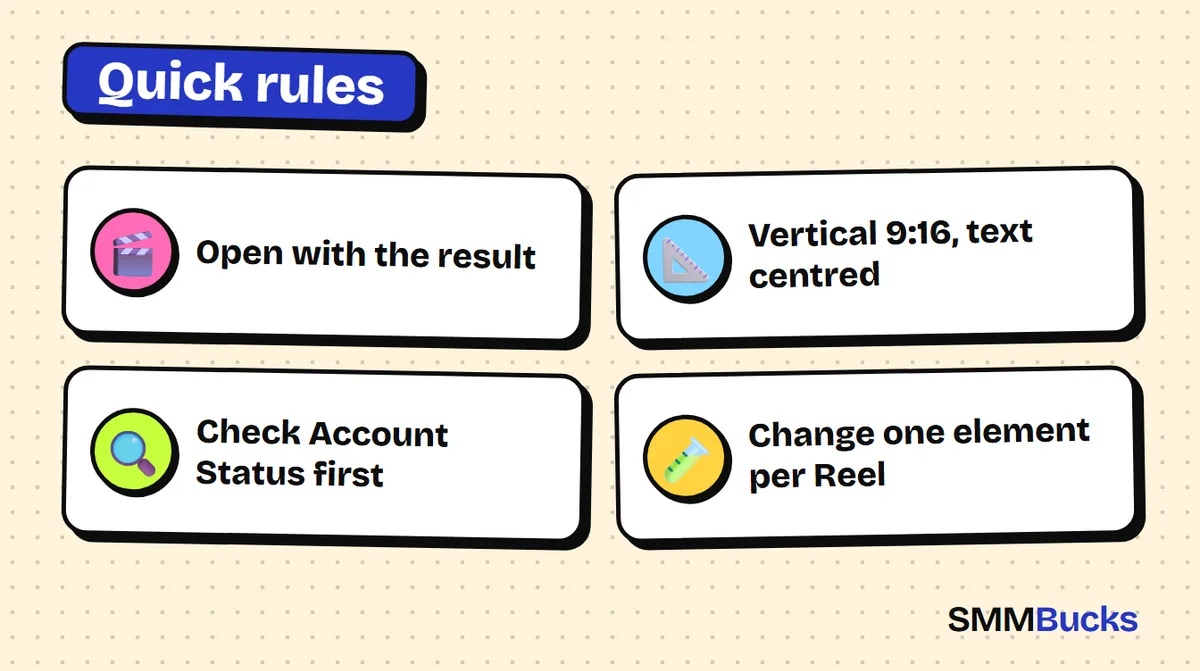
- Open with the result
- Vertical 9:16, text centred
- Check Account Status first
- Change one element per Reel
You post a Reel you worked hard on, your usual followers watch it, and then the counter freezes. Instagram reels not reaching non followers is a common complaint, and the cause is rarely a mystery or just one thing. Below are 8 likely reasons, each with a quick check and a practical fix, plus a 7-day test plan that measures what actually changes. We promise no outcome, but you get a clear way to diagnose.
How do Instagram Reels reach non followers in the first place?
Reels reach non followers through recommendations, not through your follower list. Instagram's creator blog says a new Reel is shown to your followers and also to a small group of non-followers the system thinks will enjoy it. If that group responds well, the Reel is shown to larger audiences. That is the idea behind the Instagram Reels views algorithm.
The key takeaway: every Reel gets a small first test. If it passes, it expands. If it fails, it stays mostly with followers. So almost every reason below is a different answer to one question: why did my Reel not pass the first test?
Instagram does not publish the full formula, so treat everything here as a test, not a promise. Recommendation guidelines apply to public accounts.
Tip: Platform rules and insights change. Check Instagram's Help Center and Creators blog before building a plan around any detail here.
How can you confirm your Reels are stuck with followers?
Open the insights for a single Reel and compare where the views came from: followers or non-followers. If the total is tiny, the video itself is the problem. If it is decent but nearly all from followers, recommendation is the problem. Trust the numbers in your own account, not your gut.
Before judging one Reel, collect three facts about your last ten Reels in the Reels tab:
- Views for each Reel.
- Whether a non-follower share appears in the insights (labels can differ by account and app version).
- Which Reel stood out, higher or lower, and why.
This log beats any general advice for Instagram reels not getting views, because it describes your audience. If all your Reels look alike in the numbers, the issue is probably a style you repeat, not one video.
Why are Instagram reels not reaching non followers? Reasons 1 to 3: the content
The most common causes sit inside the video: an opening that does not hold attention, clips that are not original, or a guideline problem. All three can be checked in minutes without any tools.
Reason 1: the first two seconds are weak
Check: watch your Reel on mute. Can you understand the point within two seconds? Fix: open with the result, the question or the strongest shot, and save the introduction for later. Hypothetical example: skip "Hi everyone, today I will organise my desk" and open on a messy desk, then cut to the result.
Reason 2: reposted content
Check: does your Reel carry another app's watermark, or is it a full clip from someone else's account? Fix: film your own clips or add real value, such as commentary, analysis or a new edit. Repeated reposting without meaningful changes is a pattern to avoid.
Reason 3: a recommendation guideline issue
Check: go to Settings, then Account Status. Instagram's Help Center says Account Status shows whether your content is eligible to be recommended to people who do not follow you. Fix: if something is flagged, edit or remove it. Eligibility does not guarantee reach, and followers can still see your content either way.
Why does a Reel not reach new people? Reasons 4 to 6: audience, format and early engagement
If the content is clean, look at topic clarity, formatting and early reactions. The system needs to know who might like the Reel, then needs evidence from that first group that it deserves a wider push.
Reason 4: the topic is unclear
Check: can you describe your account in one sentence? A beauty, fashion, recipe and study account attract different people. Fix: choose two or three themes and stay with them for two weeks, because random variety makes it harder to tell who would enjoy your Reel. This is a practical reading, not an announced rule.
Reason 5: format and framing
Check: is the video vertical and full screen? Is text close to the edges where it could be cropped or covered by buttons? Fix: creators commonly use a 9:16 vertical ratio, often 1080 by 1920 pixels, but confirm the current guidance in Instagram's Help Center because it can change. The Instagram Reels size ratio and Instagram Reels size and safe zone are common searches for a reason. Keep key text near the centre, away from the edges and interface buttons, and avoid low-resolution or over-compressed clips.
Reason 6: weak early engagement
Check: do viewers leave after a few seconds? Look for watch-time style metrics if your insights show them. Fix: shorten the Reel, delete every line that does not serve the idea, and end with a reason to rewatch, save or share. Our guide to Instagram Reels engagement explains these signals in more detail.
Warning: Maximum Reel length and best Reel length are different things, and limits can change. Check the Help Center.
Is a funny or trending Reel enough to reach non followers? Reasons 7 and 8
No. Copying a trend is not enough. A funny Reel can do well when the idea is fresh and the opening is strong, but it competes with thousands of near-identical versions.
Reason 7: a copied trend with no idea of your own
Check: place your Reel next to five others that use the same sound. Is there any clear difference besides your face? Fix: add your own angle: a situation from your niche, a surprise in the third second or an unexpected ending. Funny Reels tend to work when the scene feels like the viewer's own life, not because the audio is popular.
Reason 8: judging too early
Check: how many hours had passed when you decided it failed? Fix: do not judge after one hour. Record the view count at 24 hours and again at 7 days, then compare similar Reels. Avoid posting several Reels in one day without a plan, since it becomes hard to tell which one worked and why.
Several problems can sit in one Reel, so change one element per Reel during your test.
How do you test a fix for Instagram Reels in 7 days?
Follow a short plan of seven Reels, each changing one element, and log the numbers in a simple sheet. After a week you will know which change raised the non-follower share in your insights. No result is promised.
- Day 1: post a Reel in your usual style as your baseline.
- Day 2: change only the opening: start with the result or a question.
- Day 3: post a Reel filmed entirely by you, with no watermarks.
- Day 4: shorten it and cut every part that adds nothing.
- Day 5: add clear on-screen text stating the topic in the first two seconds.
- Day 6: add your own angle to a popular idea instead of copying it.
- Day 7: review the numbers. Which Reel had the highest share of non-followers? Repeat its best element next week.
Record the posting time, views at 24 hours, non-follower share (if shown) and the element changed.
Pre-publish checklist: clear opening, original clip, vertical frame, text away from the edges, topic explainable in one sentence, clean Account Status. If all six are yes, publish.
Which Instagram Reels mistakes send you back to square one?
The costliest mistakes are changing everything at once, judging too fast and looking for an outside fix before checking the Reel itself. Avoid this list before your next post:
- Changing the topic, format, sound and opening in the same Reel, so you cannot tell what worked.
- Deleting a Reel after two hours because the views are low.
- Using other people's clips with their watermarks.
- Using only your regular followers' likes as the measure of success.
Running a shop? Our guide to setting up an Instagram profile for stores helps new visitors understand you fast.
What should you do once your Reel reaches non followers?
When a Reel starts reaching new people, give the visitor a reason to stay: a clear profile, more Reels of the same quality and replies to comments. Recommendation brings a first look; a tidy account keeps people.
- Arrange your top three Reels on the grid, because new visitors see them first.
- Reply to comments early, using our strongest comment templates.
- Reuse the winning idea in a Story, see 15 Story engagement ideas.
- Compare notes with what lifts short-video views on TikTok and Reels.
When should you consider a growth service, and when don't you need one?
You do not need a growth service when the problem is the opening, topic, format or a guideline issue. Those are content problems, and a purchased number will not repair a weak Reel.
If afterwards you want your profile to look more active to new visitors, a service can be an optional, secondary choice. On SMMBucks, Instagram followers start from $0.42 per 1000, Instagram likes from $0.03 per 1000, and Reels and video views from $0.01 per 1000. No service guarantees 100% results, and platforms have policies on artificial engagement, so read them and decide responsibly.
Read each service description before ordering, keep the account public when the order starts and track it in your order history. For general questions, see the FAQ page. At SMMBucks we do not see buying as a substitute for good content, and we cannot promise Instagram will recommend your Reels.
Frequently asked questions
Why are my Instagram Reels not reaching non followers?
Usually because of a weak opening, reposted content, a guideline issue, an unclear topic, poor format or low early engagement. Check each cause in your own insights first. Nothing is guaranteed, because Instagram does not publish its complete formula, so test one change at a time.
Why are my reels not getting views from non followers?
Instagram first shows a Reel to followers and a small group of non-followers, then widens it if that group responds well. If it stalls, review the first two seconds, originality, topic and Account Status, and compare your last ten Reels.
What is the best Instagram Reels size and ratio?
Creators commonly use a vertical 9:16 ratio, often 1080 by 1920 pixels. We cannot confirm this is the current official size, so check Instagram's Help Center. Also keep important text near the centre, away from the edges and buttons, so it is not cropped or covered.
Where can I see my Reels history and insights?
Your earlier Reels appear in the Reels tab of your profile, and each one offers insights if your account is professional. Labels can differ by account and app version. Note views at 24 hours and after a week to compare fairly.
Do funny Reels reach people faster than other Reels?
There is no announced proof of that. A funny Reel can work when the idea is fresh and the opening is strong, but it competes with many copies. Your own angle and a clear start matter more than a popular sound.
Does Instagram Account Status affect who sees my Reels?
Instagram's Help Center says Account Status shows whether your content is eligible to be recommended to people who don't follow you. If your account is not eligible, followers can still see your content. Eligibility is not a guarantee that a Reel will be recommended.
Will buying views make my Reels reach non followers?
There is no evidence of that, and no honest provider can promise it. SMMBucks views are an optional extra starting from $0.01 per 1000, but they cannot fix a weak opening or a Reel that breaks guidelines. Platforms have policies on artificial engagement, so read them and decide responsibly.
Get your profile ready for new visitors
Once your Reels are stronger, explore the Instagram services on SMMBucks and their prices as shown in the catalog. Read each service description before you order.
See Instagram services